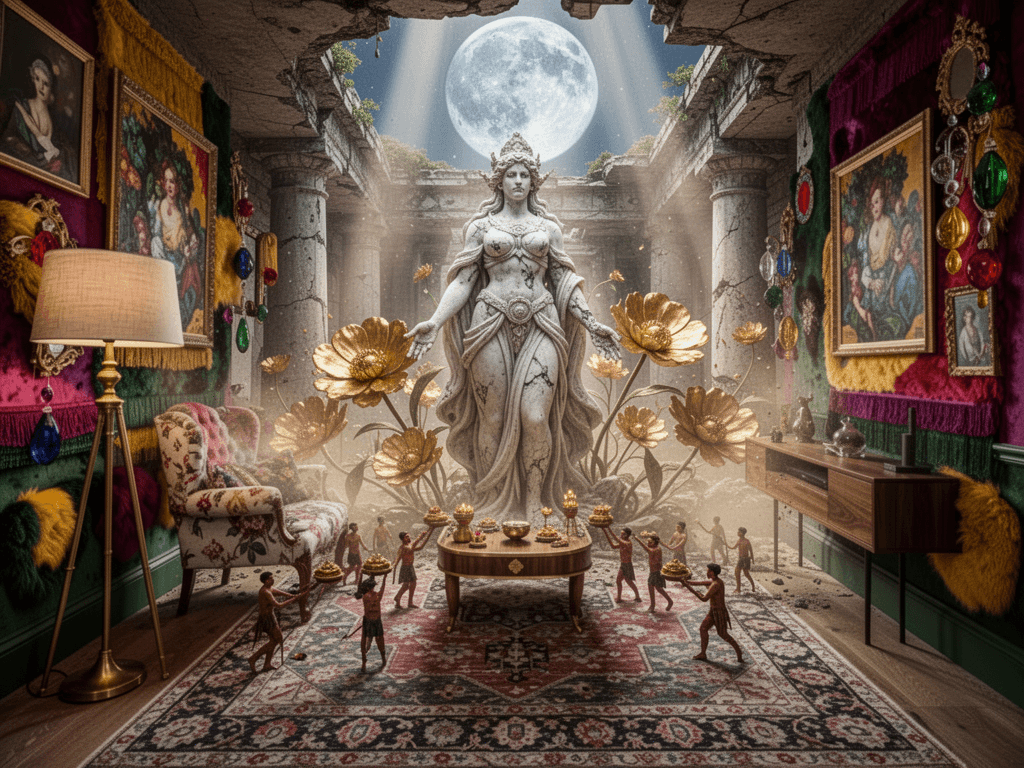
From plan to dream room
Generate a room concept from your floor plan, then use chat to adjust the mood, style, and details until the idea feels right.
On this page
A room starts as a plan and becomes a concept the moment you let the AI read it. With Kansumi, you can take a living room, a bedroom, or a studio and turn it into a first visual direction in minutes. Then you can keep shaping it with chat until the room feels like your room.
The room starts as a plan
The key step is not a dramatic render. It is a measured layout. You upload a floor plan or a sketch, check the walls and openings, and confirm the scale. That gives the concept a real frame to work inside, so the sofa, the rug, and the window placement all sit in the right place.
A living room is a good example. The AI can read the room shape, detect the door and window positions, and use that as the base for a first concept. The result is not a guessed layout. It is a concept built on the room you actually have.
Turn the room into a concept
Once the layout is validated, the generation step starts. You pick a direction or a style, and Kansumi creates a few distinct concepts from the same room. This is where creativity begins. The generation is still visual and interpretive, but the room itself stays anchored to your measurements.
A concept can begin as a calm modern lounge, a warm layered living room, or a much more expressive scene. The point is that the room does not become a random mood board. It becomes a version of your space that you can compare and edit.
Iterate in the chat
This is where the idea starts to feel personal. You can ask the assistant to change the mood, move a piece of furniture, swap the material palette, or push the room into a more cinematic direction. The conversation is tied to the same validated scene, so the assistant is not making vague changes in a blank canvas.
A prompt like this is a good example: "Replace the current living room with a surreal cinematic scene of an ancient goddess inside a ruined temple, with marble textures, huge golden flowers, and a giant moon above. Keep the room grounded in the same layout, but turn the mood into a dreamlike mythic interior." The output is still a concept, but it is now a concept shaped by your taste.
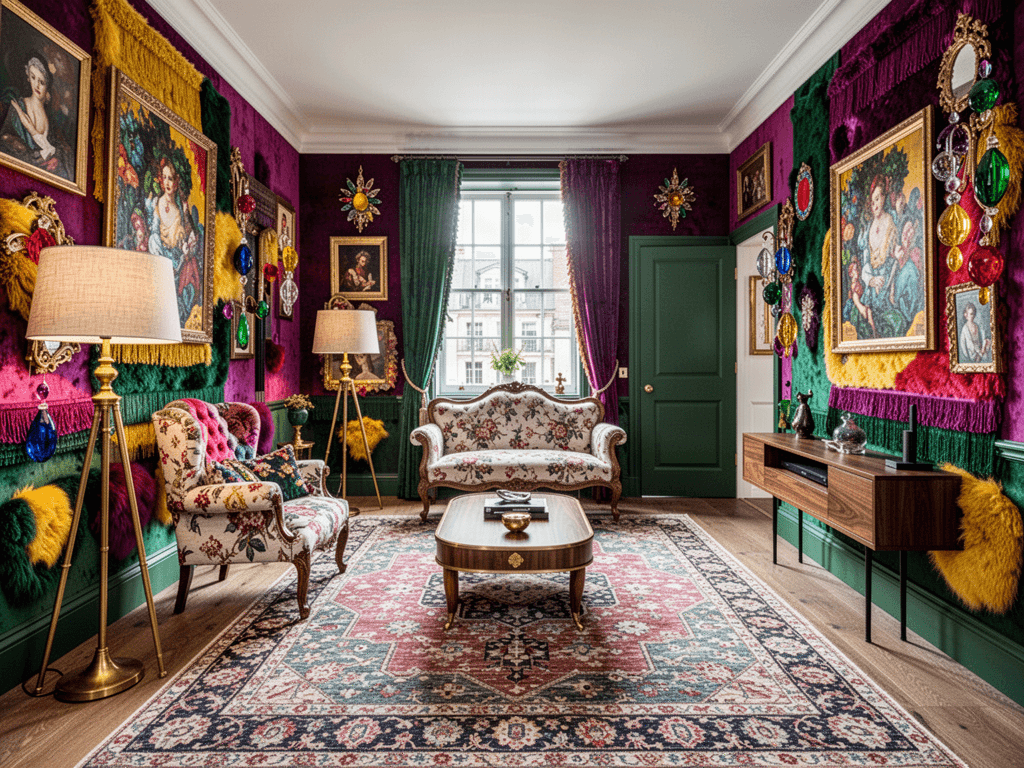
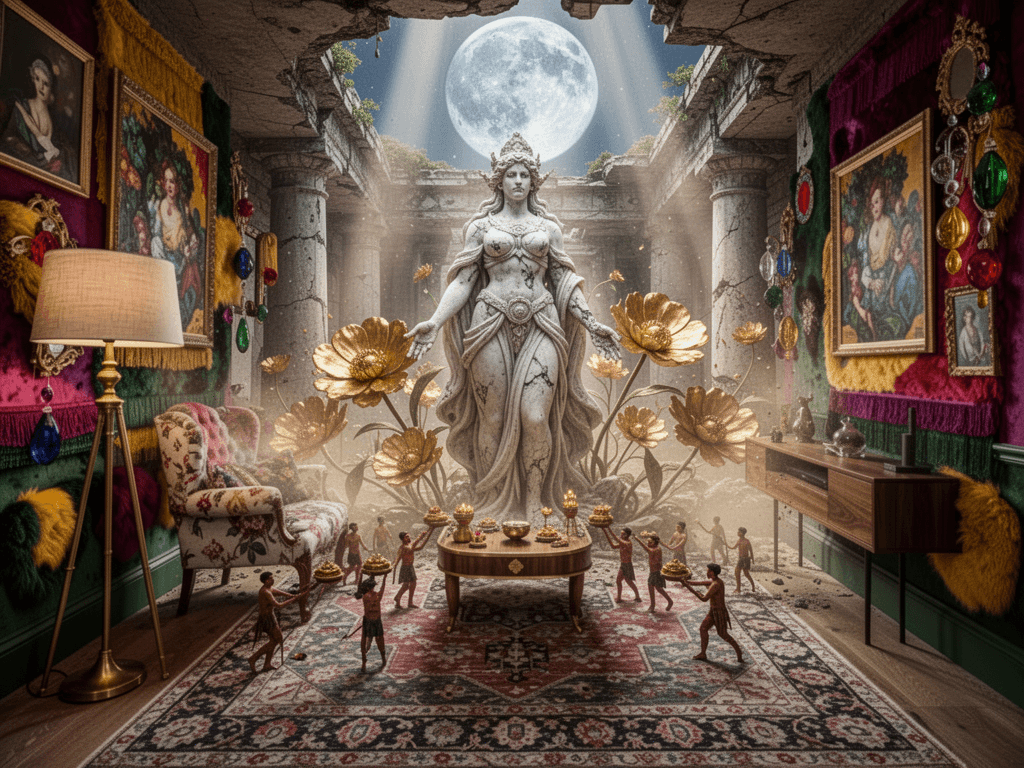
When the room changes direction
This is the part that matters most for creative work. The first concept gives you a base. The second one gives you a feeling. The third one gives you the exact material and color direction you want. By the time you are in chat, you are no longer asking the AI to start from a blank page. You are guiding a concept that is already rooted in your room.
That is the real advantage. You can generate a living room concept, change the style, push it toward a more dramatic mood, and then bring it back to a calmer direction if needed. The room stays recognisable, but the creative story keeps moving.